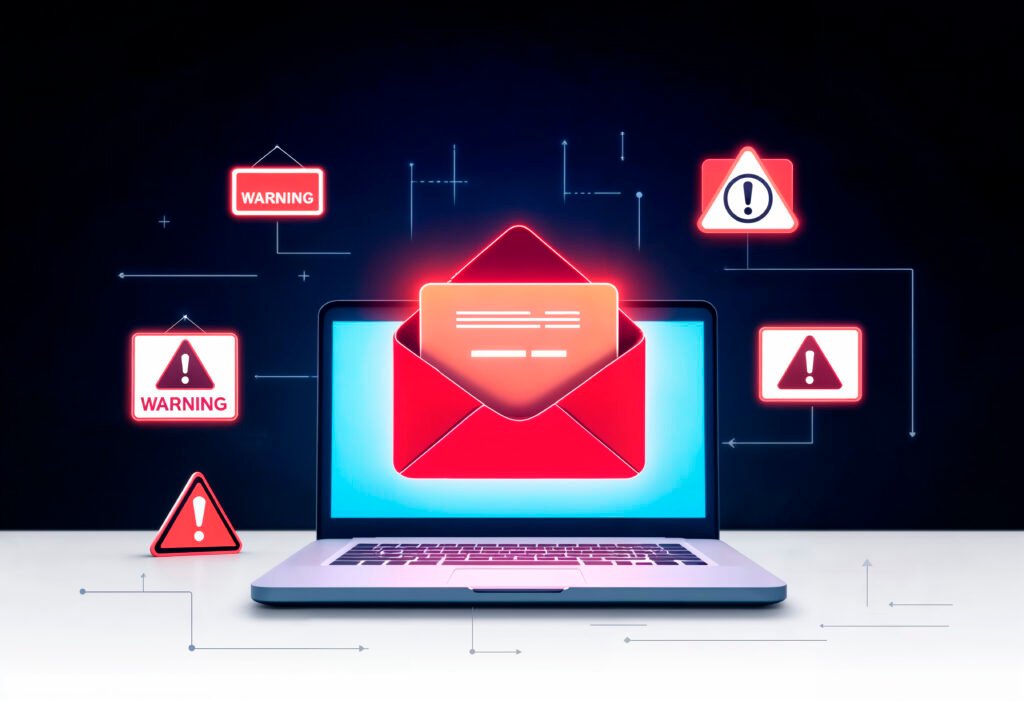
Email scams have entered a dangerous new era in 2026. No longer limited to poorly written messages and suspicious links, today’s scam emails are powered by artificial intelligence, social engineering, and data leaked from past breaches. Cybercriminals now craft messages that look convincingly real using familiar brands, personalized details, and urgent language designed to make even tech savvy users pause. From fake invoice alerts and password reset warnings to AI-generated messages that mimic real colleagues or executives, email scams are evolving faster than ever.
What are Email Scams?
An Email that is used to deceive a user into giving out their personal information, extort money, or make the user click Malicious links by impersonating a trustworthy source, whether it be a well known company or a close associate. These scams are also known as Email Fraud or Email Phishing. These malicious, unethical activities are usually done by Cybercriminals.
Types of Email Phishing
- Phishing
- Spear Phishing
- Business Email Compromise(BEC)
Mainly, it’s about impersonating someone relevant and stealing confidential data, wiring money to the fraudulent account, or changing payment details. This activity often ends up being a huge financial loss for the organization.
Advanced tactics of email scams
1.Clone phishing
- This is one of the email scams that are hard to spot. In this case, the attacker uses a real email and replaces the links to malicious ones.
For example, the original email says “here’s the invoice for last month”, then a few moments later new email is received from the same “Please check out the updated invoice, previous file had an error”
2.QR code phishing
- Also a hard to spot scam. The attacker creates a QR code that navigates to a fake website or files. Then send it as an image file which often avoids email filters.
Once the victim scans it, they are redirected to a fake website login page where the attacker steals the victim’s credentials or causes a malware to be downloaded.
Key Factors of Email Scams
- Impersonation
- Social Engineering(account suspension, legal actions, lottery wins etc)
- Malicious Links/Attachments
- Urgency
- Request for information(verify, update)
Types of Email scams to look out for in 2026
1. AI-generated business emails
Using AI tools, attackers can scan the public profile of a client belonging to an organization, then generate personalized emails that reference ongoing projects or related topics, appearing legitimate while containing malicious links.
2. Fake multi-factor authentication (MFA) notifications
When the attacker sends a fake MFA notification that says “Unauthorized login attempt was detected” or something similar, it makes the recipient act on it immediately without double-checking the source. Then redirected into a duplicate verification page and the user’s login details and authentication codes can be seized.
3. HR and payroll-related scams
When the attacker impersonates the HR or payroll-related department inquires about employees’ salary details, they build trust. Then later the attacker uses it as a leverage and extorts confidential information regarding the organization.
4. Delivery and logistics scams
In this case, the attacker imitates familiar or trustworthy delivery services. They usually notify their victim about either failed delivery or payment issues followed by a link that redirects them to a fake website where they steal the victim’s personal data, financial info or money.
5. Deepfake-linked impersonation emails
These days the use of AI and its evolution has highly increased and it is also misused by many. Email Scams have also resorted to using AI in order to impersonate higher executives and public figures by generating audios or videos that sound and look like them respectively.
6. Tax and government service scams
When the attacker pretends to be government officials or services, then notifies the recipient about return of funds, monetary penalty or policy violation, the recipient submits personal data and financial information through counterfeit portals due to the urgency.
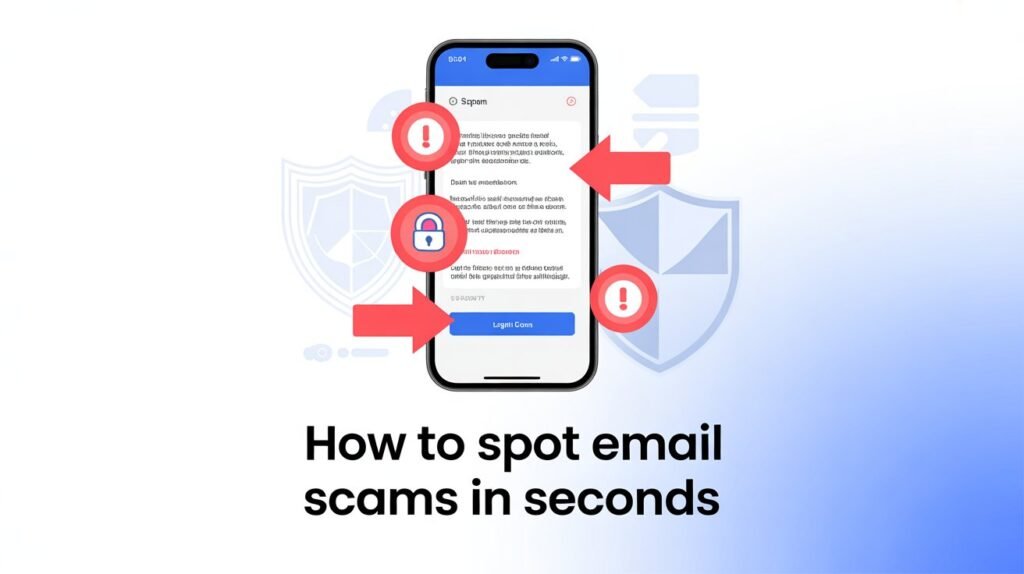
How to Spot Email Scams in seconds
1. Take two seconds to check the sender, it’s really not that hard
Email scams often happen due to the familiarity in the sender’s name. The attacker copies the name, job title and company name of a person you’re familiar with to build trust. But a simple detail gives them away, their email address.
For example, you receive an email from “HR- Xyz Company” but if you check their email address you will see “hr.xyz01@gmail.com” instead of “hrxyz@gmail.com”.
Therefore, always check the sender’s email address.
2. If the email is screaming “URGENT”, that’s your first red flag
An email that sounds very urgent coming from a familiar looking source, that is urging you to act immediately to the request. Don’t fall for it! This is one of the email scams that focuses on social engineering.
For example, the sender uses phrases like “Failure”, “Alert”, “Do not”, etc. which obviously looks suspicious coming from an actual trustworthy source.
3. Hover over the link, clicking blindly is how people get scammed
Another way to identify the email scams are to hover over the links sent through the email. Don’t click it just because the link looks accurate. Link texts can be altered very easily.
For example, the link might say “https://abcdef.com/login” but once you hover over the link, it shows “https://jkfjerof.co/vjg%”.
4. Not sure? Stop playing hero and use your email security tools
These tools are very useful and necessary to have in your gmail. Setting this tool up saves time while double checking the Email.
This tool shows warning signs on suspicious looking emails. Notifies you about unusual sender, urls and other related facts.
For example, “suspicious sender address”, “unexpected links/attatchment”, etc.
These warnings help us be on guard and check the contents carefully.
5. Bad Grammar Isn’t a Quirk It’s a Scam
In these modern days, scammers have advanced to using AI for generating personalised emails that look accurate and professional. On the other hand, some scammers still use their clumsy way creating intentional spelling mistakes and grammatical errors in order to filter out the victims that are most likely to respond to their email.
6. Congratulations! You’ve Wona Scam
Getting emails that sound too good to be true is a red flag. Don’t be color blind and click it just because it offers you something good. You often get emails that notifies you to collect a prize for winning a contest you never participated in, something about upgrading to a credit card, or any email that offers you money or some kind of materialistic reward.
Response to Email Scams
The main and foremost option is to never interact. Just delete and report it.
1. If you haven’t interacted yet
- No Interaction: Do not click the links or attachments or reply to the requests.
- Block and delete: Block the sender in order to never receive another email from them in the future and delete.
- Report: Use “Report spam” or “Report Phishing” to prevent another encounter in the future.
2. If you accidentally interacted
- Dis-engage: Stop whatever you’re doing and turn off the internet from your device.
- Password : Change your password as quickly as possible. Make it a strong password.
- Allow 2FA: Enable 2 factor authentication (2AF) in all the important accounts for an even better security.
- Inspect for malware: Run an antivirus scan on your device.
- Examine Accounts: Check important accounts such as your bank, credit card, or other online accounts for unusual activities daily.
- Alert Authorities: Notify all the authorities like banks or financial institutions for monetary compromises.
- Report phishing: Report the experience to appropriate authorities like “cybercrime.gov.in”(for india).
- Notify support: Get in touch with the IT department if it’s work related or support services.
Therefore, your response matters the most in case of email scams rather than the email itself. Whenever you open an email, make sure to double guess everything you’re about to do. Because the email scams feeds on one’s impulsiveness, immediate actions and decision making.
Conclusion
In general it can be said that what you need the most is awareness or the ability to stop and think for a few seconds before jumping to immediate action. Email scams are growing to be a common threat these days, but that doesn’t make it less of a threat.
Attackers often aim at small businesses knowing very well that their team is already busy as it is and their inboxes are probably full too. Hence, the first priority while opening an email would be to “take a moment and verify”. If you do that, then you won’t need the help of a cybersecurity expert.