Introduction
Cybersecurity is one of the fastest growing fields globally, and building a strong technical foundation is essential for anyone entering the profession. Understanding how cyber threats are built and how they behave is just as important as learning defensive strategies. This guide helps students understand the core concepts, tools, and career paths connected to studying malicious software, providing a clear and actionable starting point.
What Is Malware Analysis?
Malware analysis is the process of examining malicious software to understand its behavior, purpose, and potential damage to systems. It forms the foundation of cybersecurity investigation and is used by professionals worldwide to detect, classify, and respond to cyber threats effectively.
- It identifies how malicious code enters, spreads, and damages systems
- Results guide threat detection strategies and organizational security policies
- It connects directly to fields like digital forensics and reverse engineering
Why Students Should Learn Malware Analysis
Developing skills in malware analysis early gives students a strong competitive advantage in the cybersecurity job market. Employers across government agencies, private firms, and technology companies consistently seek professionals who can investigate and neutralize digital threats before they cause major damage.
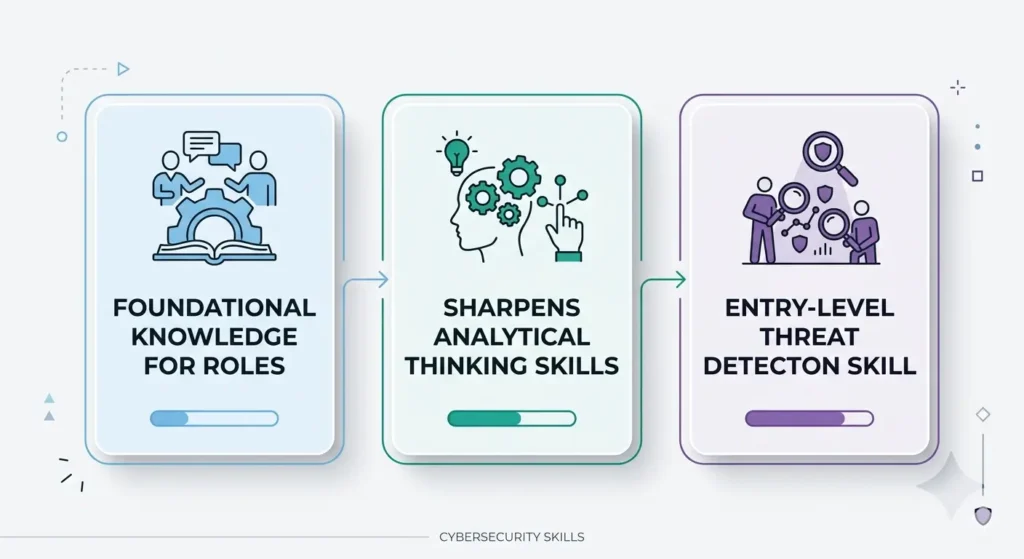
- It builds foundational knowledge applicable to multiple cybersecurity roles
- It sharpens analytical thinking and logical problem-solving abilities
- Entry-level positions in threat detection increasingly list this as a required skill
Types of Malware You Will Encounter
Students entering cybersecurity must become familiar with the main categories of malicious software they are likely to encounter in the field. Each type has distinct characteristics, infection methods, and objectives that require specific approaches to analyze and counter effectively.
- Viruses attach themselves to legitimate files and replicate when those files are executed
- Ransomware encrypts victim data and demands payment before restoring access to any files
- Trojans disguise themselves as legitimate programs while performing harmful operations in the background
- Spyware silently collects sensitive user data such as passwords, browsing history, and financial information
Static Analysis: Examining Code Without Execution
Static analysis lets analysts examine malicious code without ever running it on an active system. It provides a safe and immediate first look at the software’s internal structure, embedded strings, and potential behavior before any real-world exposure occurs.
- Disassemblers like IDA Pro convert binary code into human-readable assembly instructions for closer inspection
- File headers and metadata often reveal compiler details, timestamps, and build environment information
- String extraction can expose hardcoded URLs, registry keys, or command-and-control server addresses embedded in the file
Dynamic Analysis and Sandbox Environments
Dynamic analysis involves executing malware in a controlled environment to observe its real behavior in action. Tools like Any.run give students access to cloud-based sandbox environments where suspicious files can be tested safely without any risk to the host system or local network.
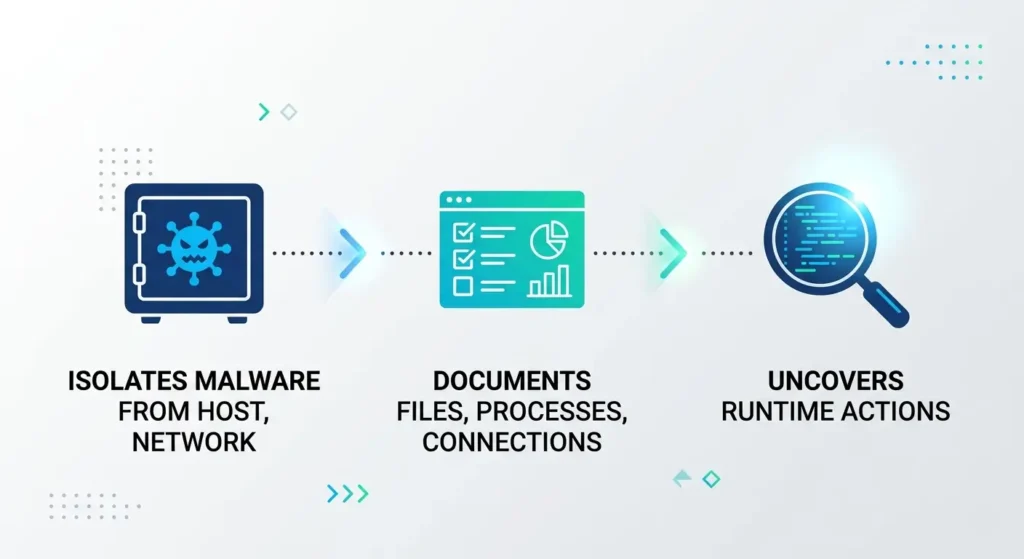
- Sandboxing isolates the malware entirely from the host operating system and connected network
- Behavioral reports document file system changes, new processes created, and outgoing network connections
- It reveals runtime actions that static code examination alone cannot reliably uncover
Essential Tools Used in Malware Analysis
Effective malware analysis requires familiarity with a set of industry-recognized tools that help professionals examine, classify, and understand threats with precision. Most of these tools are freely available or offer student-accessible versions, making them highly practical for those just starting out.
- VirusTotal scans files and URLs against dozens of antivirus engines simultaneously, delivering instant threat context
- Wireshark captures and filters live network traffic to identify suspicious or unauthorized communication patterns
- IDA Pro is a professional-grade disassembler widely used for in-depth binary reverse engineering work
- Any.run provides an interactive web-based sandbox environment specifically designed for dynamic behavioral testing
Building a Safe Lab Environment
Students must create a properly isolated lab environment before attempting to work with any real malware samples. Running malicious software outside a controlled setup poses serious risks to personal devices, sensitive files, and any connected networks in the surrounding area.
- Use VirtualBox or VMware to configure isolated virtual machines dedicated entirely to safe testing sessions
- Enable host-only networking to prevent malware from reaching external systems or the broader internet
- Take regular virtual machine snapshots so the environment can be fully restored after each analysis session
Career Paths in Cybersecurity That Involve Malware Analysis
Professionals skilled in malware analysis are in consistently high demand across government, healthcare, finance, and technology industries worldwide. The expertise gained through this discipline opens the door to several well-paid, specialized cybersecurity careers with strong long-term growth potential.
- Malware analyst or reverse engineer working alongside incident response and digital forensics teams
- Threat intelligence analyst responsible for tracking and documenting active cyber campaigns and attack patterns
- Digital forensics specialist investigating compromised systems and recovering evidence following security breaches
- SOC analyst monitoring endpoint security alerts and coordinating real-time incident response actions
Certifications and Learning Resources for Students
Earning recognized certifications gives students verifiable credentials that clearly demonstrate their technical knowledge to potential employers. Several established programs are specifically designed for those pursuing careers in threat analysis and cybersecurity defense.
- CompTIA Security+ provides an industry-respected entry point into cybersecurity knowledge that is widely accepted by employers
- The GIAC GREM certification is specifically designed for professionals specializing in malware analysis at an advanced level
- Platforms like TryHackMe, Cybrary, and OpenSecurityTraining2 offer beginner-friendly structured learning paths at little to no cost
Common Challenges Students Face When Starting Out
Getting started in malware analysis can feel overwhelming, particularly for students who lack a strong programming or networking background. Assembly language interpretation, binary code reading, and navigating unfamiliar toolsets can create a steep learning curve in the beginning stages.
- Reading and interpreting disassembled binary code requires consistent and repeated practice to develop real fluency
- Configuring a safe and fully functional virtual lab correctly demands careful attention to technical detail
- Locating legitimate malware samples for hands-on practice requires using verified, legal repositories such as MalwareBazaar
Conclusion
Students who invest time in understanding how malicious software is built and how it behaves are developing one of the most valuable skill sets in modern technology. Malware analysis connects directly to in-demand careers in digital forensics, incident response, and endpoint security. With the right tools, a properly configured lab environment, and a commitment to consistent practice, any motivated student can build the expertise needed to thrive in this high-demand field.
Frequently Asked Questions
What is malware analysis in simple terms?
Malware analysis is the process of studying malicious software to understand what it does, how it spreads, and how it can be stopped. It is a fundamental discipline in cybersecurity, used by professionals to investigate threats and develop effective responses to digital attacks targeting organizations and individuals.
How can a student start learning malware analysis?
Students should begin by gaining a solid understanding of operating systems, networking fundamentals, and introductory programming concepts. Setting up a virtual machine lab and experimenting with beginner-friendly tools like VirusTotal and Any.run is a practical next step. Platforms like TryHackMe and Cybrary offer structured courses specifically designed to walk complete beginners through the process.
Is programming knowledge required for malware analysis?
Basic programming knowledge is helpful but not strictly required at the beginner level. As a student progresses, familiarity with Python and a foundational understanding of assembly language become increasingly important for reading disassembled code and developing custom scripts to support analysis work.
What is the difference between static and dynamic analysis in cybersecurity?
Static analysis examines malicious code without executing it, focusing on file structure, embedded strings, and internal logic. Dynamic analysis runs the software inside a controlled sandbox to monitor its actual behavior in real time. Most cybersecurity professionals use both methods together to build a thorough and accurate picture of how a given threat operates.